Mohlel — Financial data that turns into decisions
Financial data, comparison tools, portfolio tracking and market news — built to help users make confident investment decisions.
- Client
- Mohlel.com
- Year
- 2020
- Role
- Product Designer — UX & UI
- Industry
- Fintech
Overview
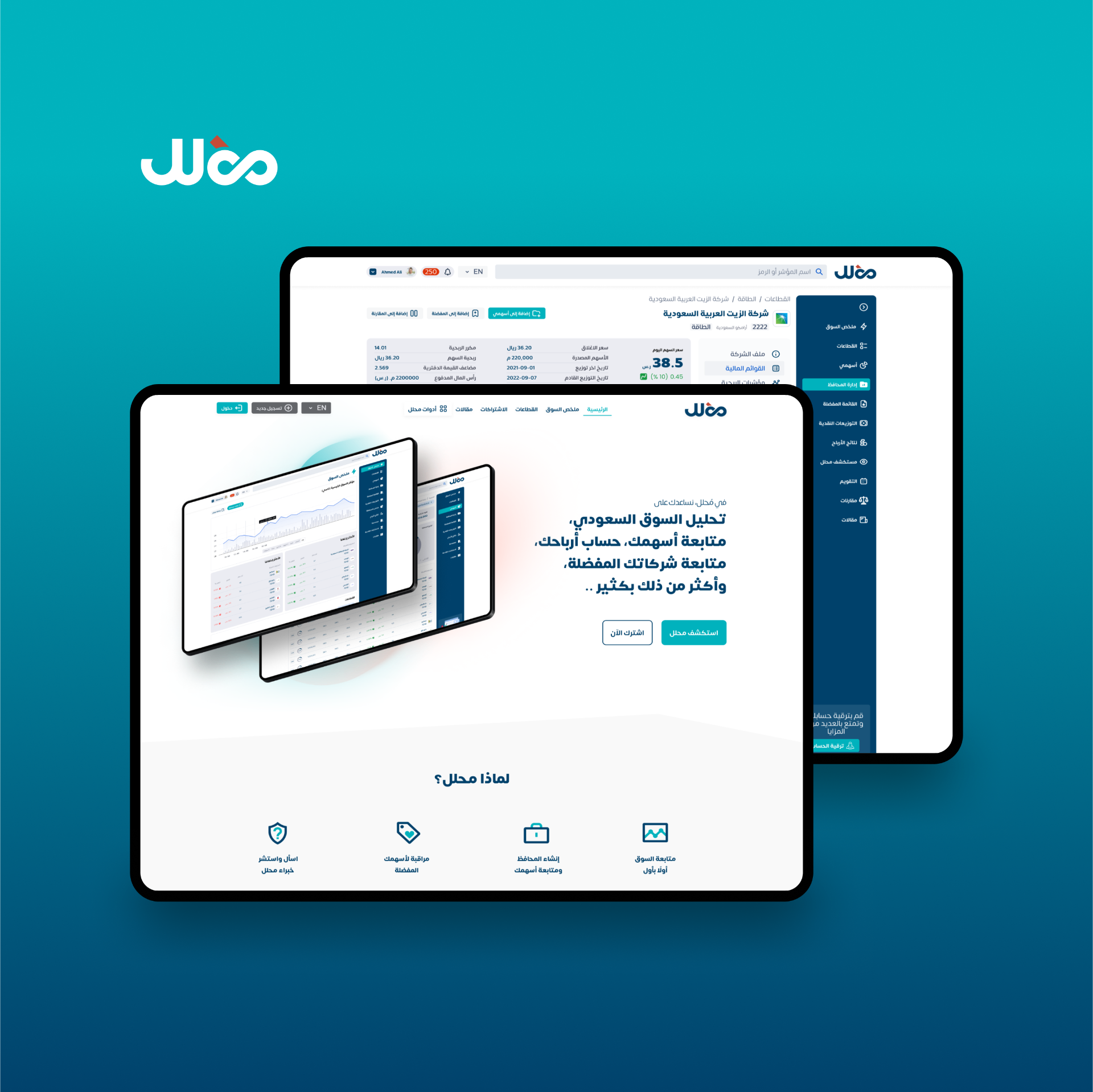
Mohlel provides financial data, tools, and news to help users make investment decisions. The app spans a personalised home, portfolio tracking, fund comparison, an economic calendar, and a free tier — all surfaced through a single, dense-but-readable interface.
The problem
Investors were piecing together data from multiple sources — market news in one app, comparisons in another, portfolio in a spreadsheet. The cognitive load slowed decisions and made it easy to miss events that moved their holdings.
Process
- Stakeholder workshops to map data sources and user goals
- Information architecture: home, portfolio, comparison, calendar, free content
- Designed a free tier that previews premium without feeling crippled
- Built reusable chart, table, and badge components for dense market data
- Iterated on the comparison flow until users could answer 'which is better?' in one screen
The solution
A unified app: a home that surfaces what changed since last visit, a portfolio screen with quick performance read, a side-by-side comparison tool, and an economic calendar that links events back to the user's holdings.
Outcome
- Users compare and decide inside the app instead of switching tools
- Free-tier conversion improved by previewing premium intelligently
- Calendar + portfolio link reduced 'I missed it' moments
Heuristic evaluation
Applied Nielsen's 10 usability heuristics to identify friction and ship targeted fixes.
Finding · Free vs premium boundaries were unclear, causing trust issues.
Fix · Explicit free/premium badges on every locked surface with a single upgrade entry point.
Finding · Comparisons forced users to remember metrics across screens.
Fix · Side-by-side comparison view with sticky metric labels — no memory required.
Finding · Dense financial data overwhelmed scanning.
Fix · Tiered typography, generous whitespace, and progressive disclosure on cards.
Finding · Empty portfolio looked broken, not empty.
Fix · Friendly empty states with a one-tap 'add your first fund' action.
App screens
Have a project worth designing well?
Tell me what you're shipping. Free 30-min intro · reply within 24h.
Book a 30-min intro